
Download Word Viewer – View and Edit Microsoft Word Files on Mobile
Overview
Word Viewer is a mobile application designed to provide users with the ability to access and manage Microsoft Word documents without the need for the full desktop version of Microsoft Word. It serves as a lightweight alternative for individuals who frequently receive .doc or .docx files but do not require the full suite of editing tools. The app is particularly beneficial for students, professionals, and remote workers who need to review or share documents on the go. By supporting multiple viewing modes, it enables users to adapt their reading experience to different contexts—whether for quick reference, presentation preparation, or collaborative feedback.
Target users include anyone who works with Word files but lacks access to Microsoft Office, especially those using budget devices or operating systems that do not support the full software. The app addresses the common pain point of file inaccessibility by allowing seamless document viewing and basic interaction. It also supports legacy file formats, ensuring compatibility with documents created in Microsoft Word 2003 and Office 2007, which remains relevant for users still working with older document versions.
Although the developer did not provide additional technical details, the app's purpose is clear: to deliver a simple, efficient way to view and interact with Word files on mobile devices. Its presence in the mobile productivity ecosystem fills a niche for users seeking a no-frills solution to document access without the overhead of a full office suite.
Key Features & Functionality
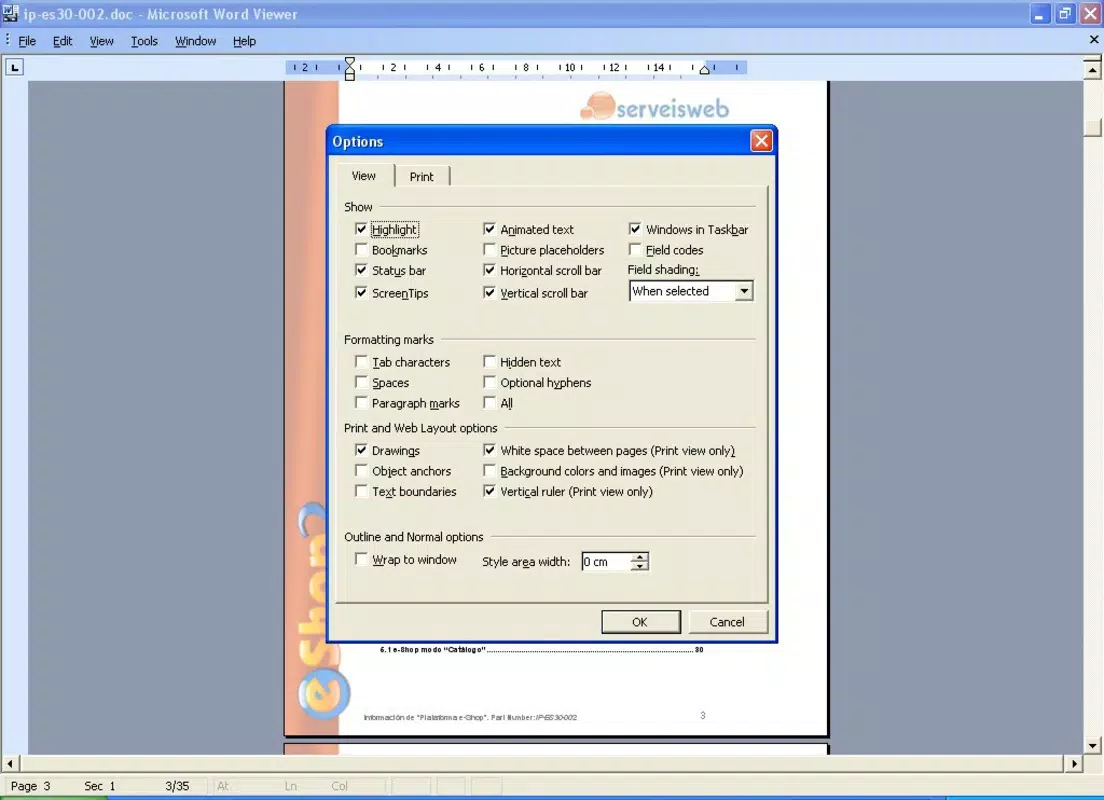
- Multiple Viewing Options: Word Viewer supports Regular, Web, Print View, Read View, and Outline modes, allowing users to switch between formats based on their current need—whether for quick reading, printing, or navigating document structure.
- Lightweight and Free: Unlike the full Microsoft Word application, Word Viewer is free to use and requires minimal system resources, making it ideal for low-end devices or users who want to avoid software costs.
- Basic Editing Tools: The app enables users to copy text, search for specific words, and print documents—essential functions for quick edits and sharing without altering the original file.
- Compatibility with Older Formats: It supports documents created in Microsoft Word 2003 and Office 2007, ensuring that users can access legacy files without conversion or additional software.
- User-Friendly Interface: Designed with a layout similar to Microsoft Word 2003, the interface offers intuitive navigation, reducing the learning curve for users familiar with older Word versions.
For example, a student receiving a lecture handout in .doc format can open it instantly, switch to Read View for better focus, search for key terms, and copy notes without needing a full office suite. Similarly, a remote worker can review a contract, highlight important sections, and print it for offline reference—all within a lightweight app.
Interface, UX & Performance
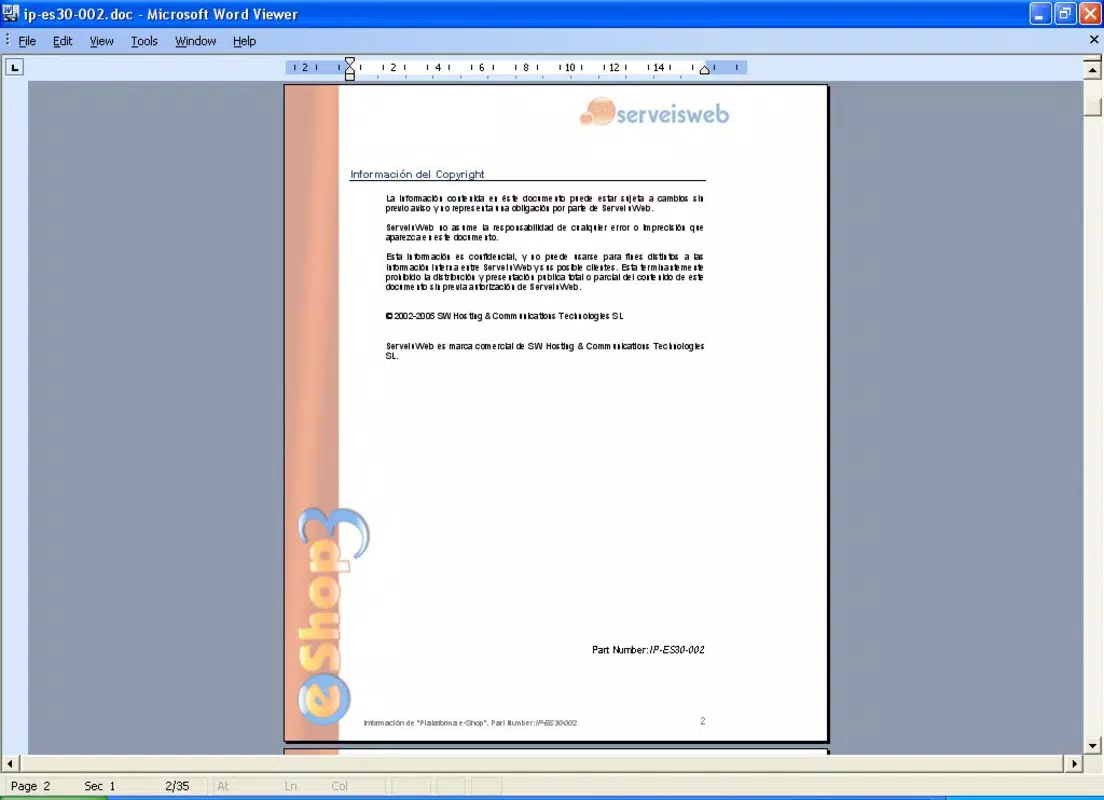
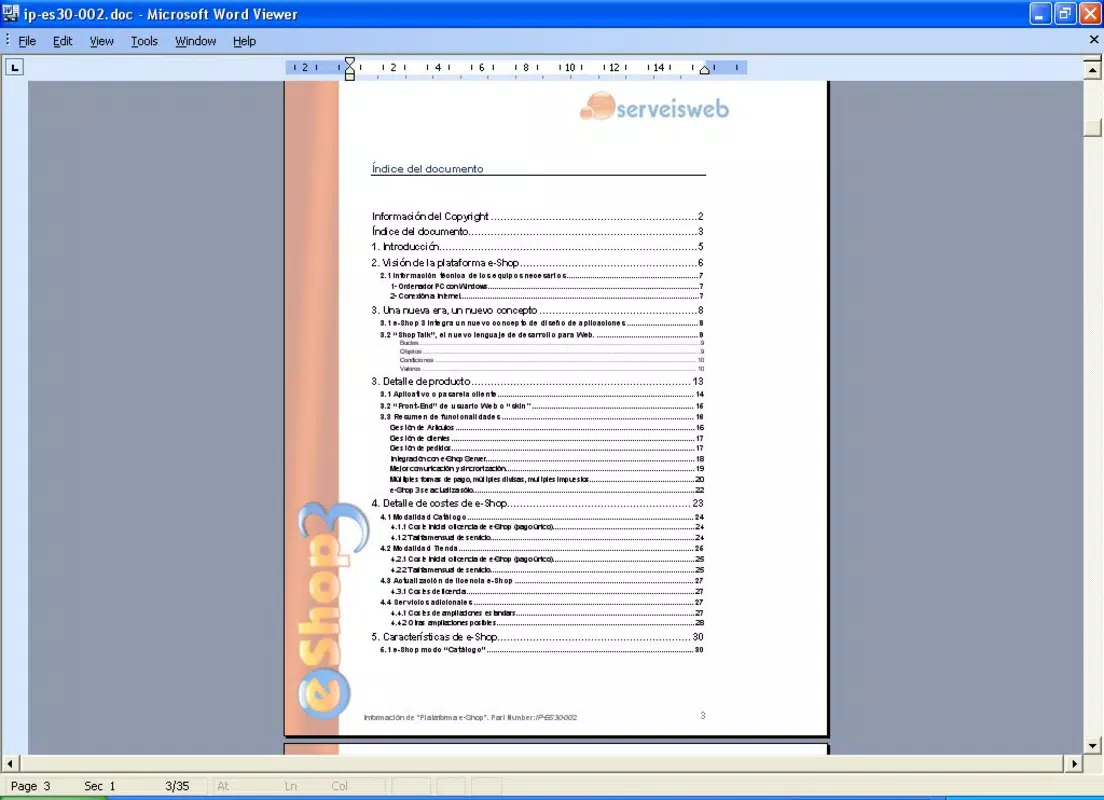
The user interface of Word Viewer is designed with simplicity and familiarity in mind. It mirrors the layout of Microsoft Word 2003, featuring a clean toolbar, document preview pane, and straightforward menu access. This consistency helps users transition easily, especially those who have used older versions of Word. Navigation is intuitive, with clear icons and logical grouping of functions, minimizing the need for tutorials or user guides.
Responsiveness across devices is not explicitly detailed by the developer. However, the app’s lightweight nature suggests it should function smoothly on a range of smartphones and tablets, particularly those with moderate processing power. Users can expect minimal lag when opening documents, especially those of average size. Although the developer did not list formal performance metrics, the app’s focus on core viewing and basic editing implies optimized resource usage.
Stability appears to be a priority, as the app is designed to handle file rendering without crashes, even with older document formats. The absence of complex features reduces the risk of bugs, contributing to a reliable user experience. Overall, the app delivers a stable and predictable workflow for document access, suitable for daily use.
Platform Compatibility & Technical Requirements
Word Viewer is available for Android and iOS platforms. The latest version is 1.0, released on October 28, 2008. The file size is approximately 1.2 MB, making it a compact download ideal for users with limited storage. The developer did not specify minimum OS requirements, nor did they provide details on device compatibility beyond the platform.
Given its release date, the app may not support the latest versions of Android or iOS. Users should verify compatibility with their current devices before installation. While no formal requirements were listed, the app’s small size and focus on legacy file support suggest it is optimized for older or low-spec devices. The lack of updated system requirements may limit its usability on modern operating systems.
Pros and Cons
Pros
- Free to download and use, making it accessible for budget-conscious users.
- Lightweight design with minimal storage and memory usage.
- Supports older Word file formats (Word 2003 and Office 2007).
- Familiar interface resembling Microsoft Word 2003.
- Offers multiple viewing modes for flexible document interaction.
Cons
- Released in 2008; may not be compatible with modern operating systems.
- Limited to basic functions—no advanced editing or formatting tools.
- Developer did not provide updated technical specifications or compatibility details.
- File size is small, but outdated version may lack security updates.
- No support for newer .docx formats beyond initial Office 2007.
FAQ
Is Word Viewer safe to install on my smartphone?
Yes, Word Viewer is a legitimate application designed for document viewing. However, since it was last updated in 2008, users should ensure they download it from trusted sources to avoid potential security risks.
Can I edit documents beyond copying and searching?
Word Viewer supports only basic functions such as copying text, searching for words, and printing. It does not allow full editing, formatting, or saving changes to documents.
Does Word Viewer support the latest Microsoft Word files?
It is primarily compatible with documents created in Microsoft Word 2003 and Office 2007. Support for newer .docx formats may be limited or inconsistent.
Is Word Viewer available for both Android and iOS?
Yes, the app is available for both Android and iOS platforms, though compatibility with current OS versions is not confirmed by the developer.
How can I update Word Viewer if a newer version is released?
As of now, no newer version has been released. Users should monitor official app stores for updates, though the app’s age suggests future updates are unlikely.
Final Thoughts
Word Viewer remains a niche but functional tool for users who need to access older Microsoft Word files without installing a full office suite. Its lightweight design, free access, and support for legacy formats make it a practical choice for those on a budget or using older devices. While its age and limited feature set are notable drawbacks, the app still delivers on its core promise: simple, reliable document viewing.
For individuals who frequently receive .doc or .docx files from institutions or colleagues using older software, Word Viewer offers a straightforward solution. It’s especially useful in educational and administrative settings where document sharing is common but full Office licenses are not feasible.
Download Word Viewer now to access your Word files anytime, anywhere—without the overhead of a full office suite.


